Start Here
Learn Claude before you specialize.
Master the core Claude skills before diving into specialized workflows: writing a prompt that gets a usable first draft, refining Claude's answers instead of starting over, working with uploaded files and documents, and building habits you'll carry into every profession-specific path after this one.
What is Claude?
Claude is an AI assistant made by Anthropic. Unlike a search engine, it holds an entire conversation in mind, remembering a document you uploaded, a constraint you gave it, or a correction you made three messages ago. That's true no matter what your job is, which is why this path comes before every profession-specific one on this site. Claude Essentials teaches the skills those other paths assume you already have: writing a prompt that gets a usable first draft, refining an answer instead of re-prompting from scratch, working with uploaded files and long documents, and building a habit you actually return to.
What every Claude user needs to know first
- 01
Writing a prompt that gets a usable first draft
State the task, the audience, and any constraints in your first message instead of a bare instruction. Claude fills every gap you leave with a generic guess, so the more real context you give it, the less back-and-forth it takes to get something usable.
“Write a two-sentence away message for a work Slack account, professional but not stiff, for a five-day vacation with no email access. Mention I'll respond to urgent items when I'm back on Monday.”
- Get a usable draft on the first try
- Skip the guesswork Claude fills in for you
- Set the tone and length upfront
- 02
Refining Claude's first answer instead of starting over
Point at exactly what's wrong with the first draft rather than discarding it and re-prompting from scratch. Claude keeps everything from the conversation so far, so a targeted correction is faster than a brand new request.
“This is close, but the second paragraph is too formal for a team of five people who already know each other well. Loosen the tone there and keep the rest as it is.”
- Fix one section without losing the rest
- Iterate faster than starting over
- Get a second, sharper draft
- 03
Getting real answers out of an uploaded document
Upload a document and ask a specific question about it instead of a generic request to summarize. Claude can quote, compare, and answer questions against the actual file, not just produce a flat overview.
“Here's a 12-page vendor contract. Find every clause that lets the vendor change pricing without 30 days' notice, and quote the exact sentence for each one.”
- Get answers tied to specific pages
- Skip re-reading the whole document
- Ask follow-up questions about the same file
- 04
Turning a long document or a pile of notes into exactly what you need
Ask for a summary shaped around what you actually need from it: a specific section, a specific audience, a specific decision, instead of one generic overview. The same source can be summarized several different ways depending on the question.
“Summarize this 40-page report in under 200 words, focused only on the sections relevant to budget risk. Skip anything about timeline or staffing.”
- Get a summary sized to the real need
- Skip sections that don't matter here
- Reuse the same source for different asks
- 05
Building a Claude workflow you reuse every week
Save the prompt sequence that worked once, the context you gave, the corrections you made, and reuse it the next time the same task comes up, instead of reconstructing it from memory every time.
“Turn what we just did, summarizing my Monday notes into three action items with owners, into a template. Next Monday I'll paste in new notes and ask you to apply the same template.”
- Skip rebuilding a prompt from scratch
- Keep results consistent week to week
- Turn a one-off win into a habit
How you'll learn
Claude Tutorial walks you through Claude fundamentals step by step, with structured lessons, practice quizzes, and a progress tracker so you always know where you stand.
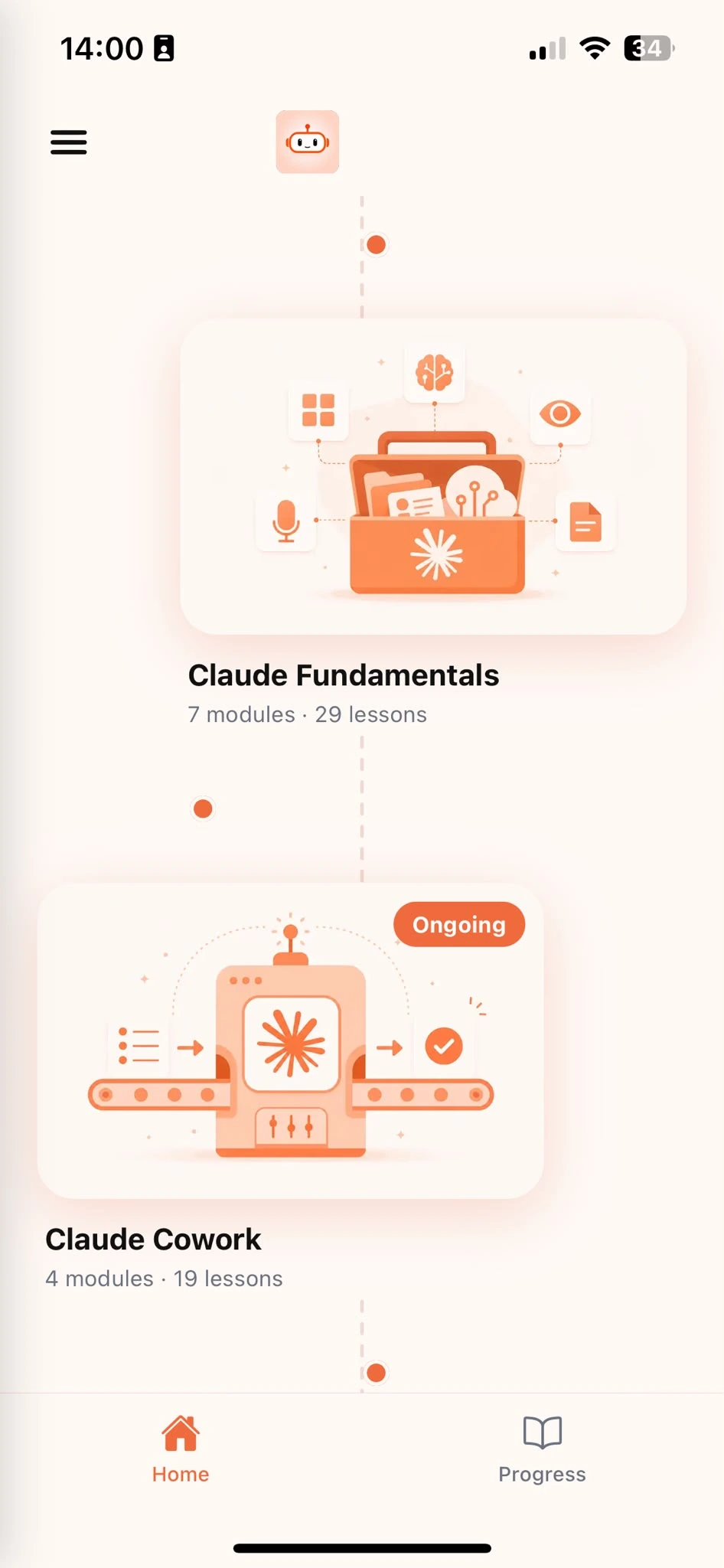
Browse Courses
Choose what to learn from a structured library of Claude lessons.
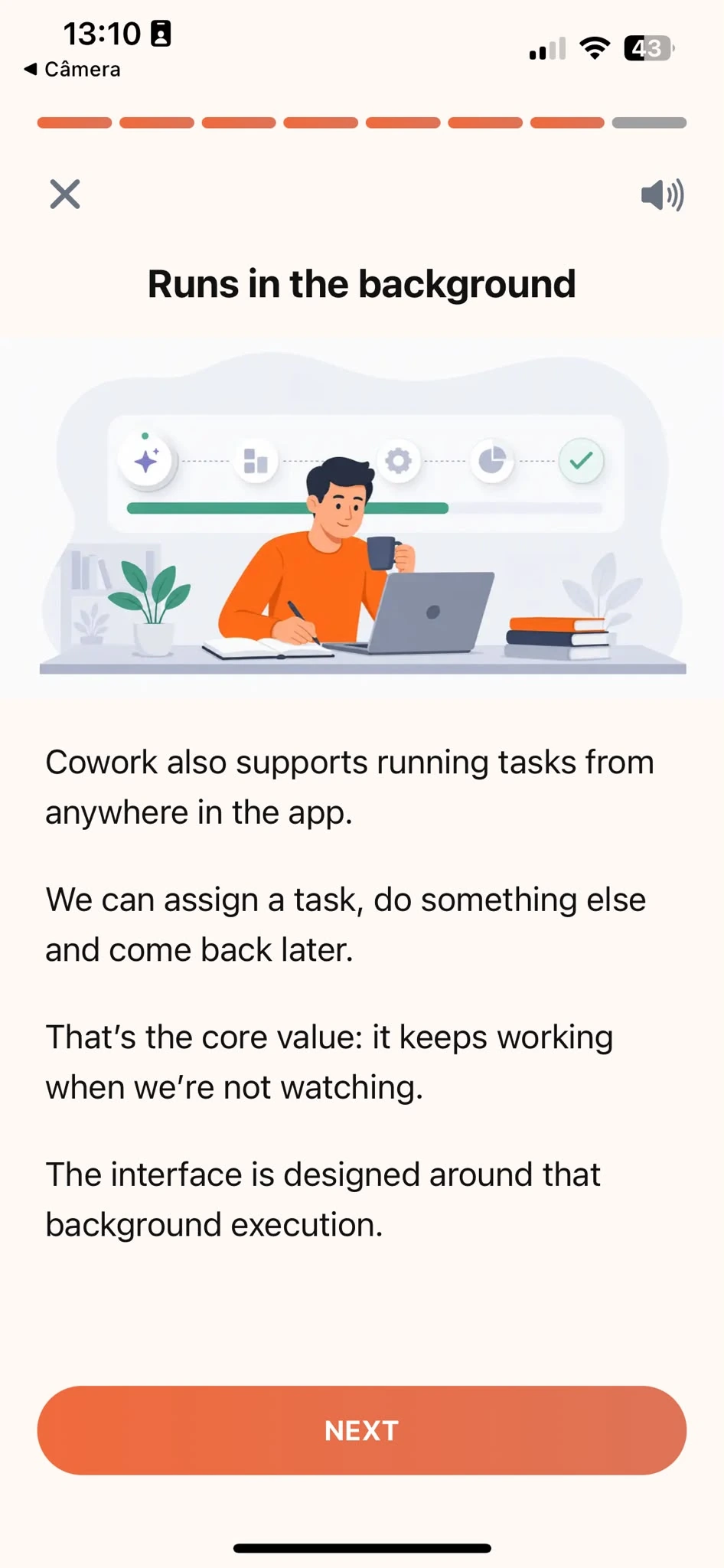
Learn
Short, focused lessons that build from fundamentals to real-world tasks.
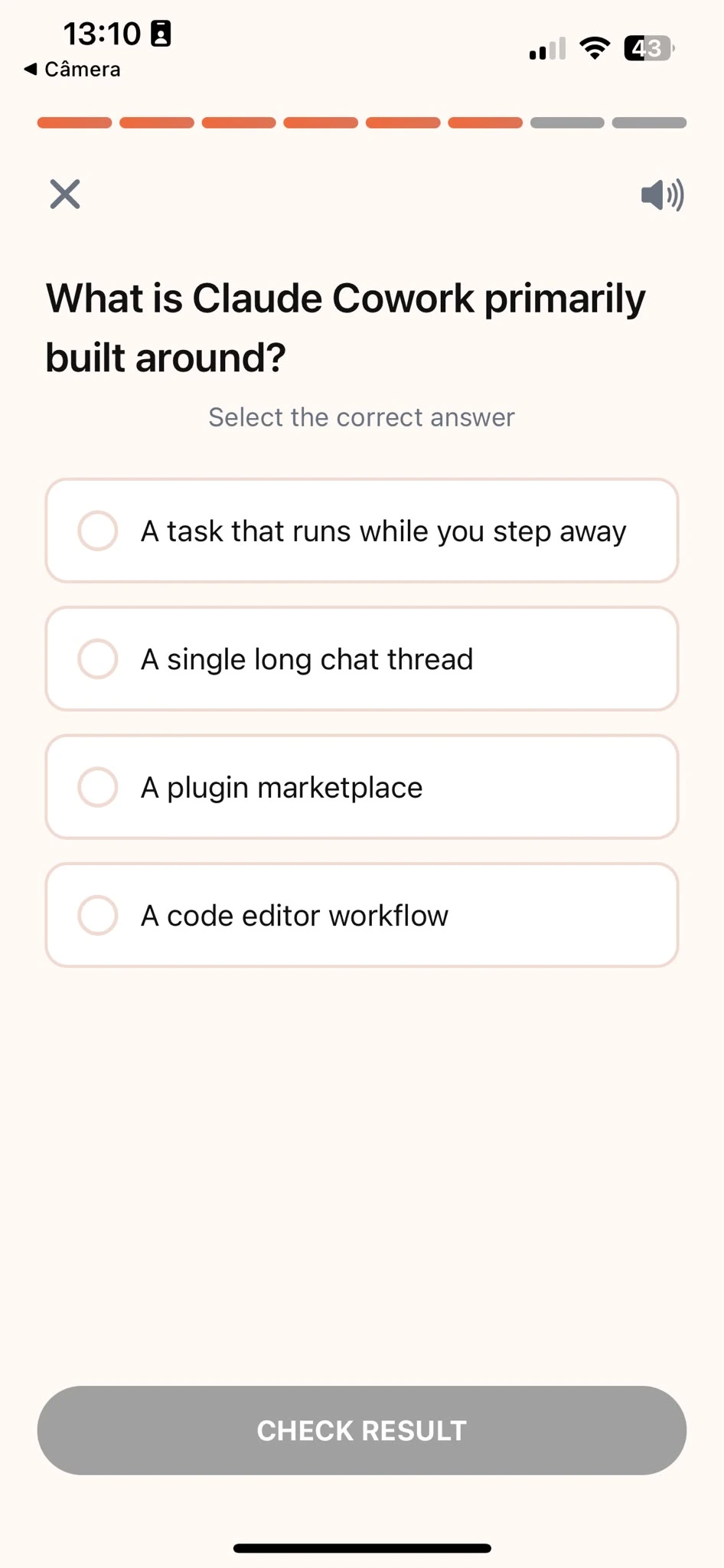
Quiz
Test your understanding right after each lesson, not at the end.
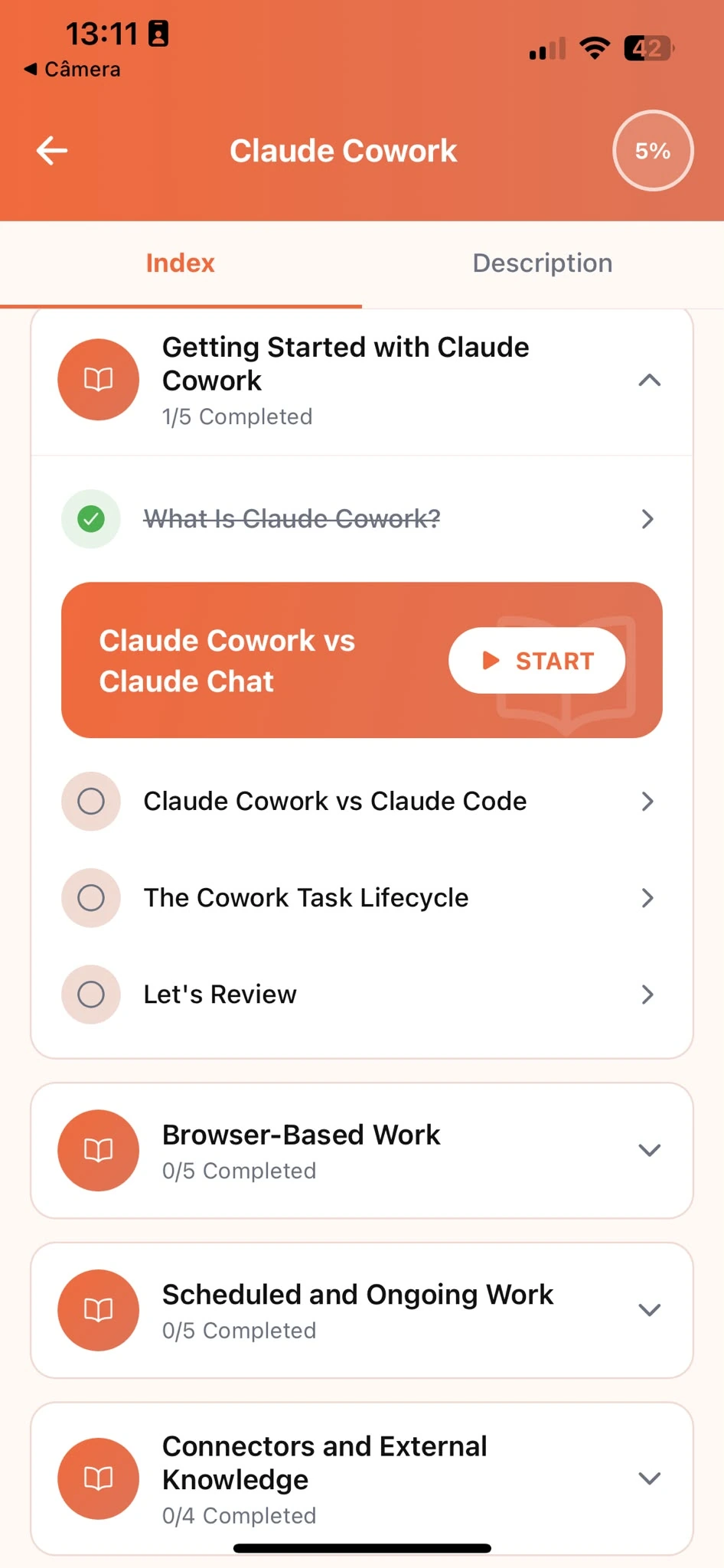
Track Progress
Pick up exactly where you left off, on any device, at any time.
Related articles
- Marketing8 min read
Getting Started With Claude: The Core Habits
The habits that make Claude genuinely useful at work, whatever your job: giving context, setting constraints, and refining an answer instead of restarting.
Read article - Productivity5 min read
How Claude Thinks, and Why Vague Prompts Fail
A plain explanation of how Claude builds an answer and why an underspecified prompt gets a generic one, so better prompting techniques finally make sense.
Read article - Productivity4 min read
Which Tasks Are Actually Worth Handing to Claude?
A quick test for whether a task is a good fit for Claude right now, so you stop reaching for it on work where drafting doesn't actually save you time.
Read article - Productivity8 min read
Writing Prompts That Get You a Usable First Draft
Give Claude's first draft everything it needs to be usable immediately: task, audience, constraints, and format, so you skip three rounds of follow-up prompts.
Read article - Productivity3 min read
How to Give Claude a Role Worth Following
Assign Claude a specific expertise or perspective, not a generic label, so the role actually changes how it reasons about your request and what it flags.
Read article - Productivity3 min read
Show Claude What You Want With a Real Example
Paste a real example instead of describing what you want in words, and Claude will match the pattern, not guess at your description.
Read article - Productivity4 min read
Get Sharper Claude Answers Without Longer Prompts
Name the one constraint that actually matters instead of padding your prompt with words, and Claude returns a more precise answer with less effort.
Read article - Productivity4 min read
Get Claude to Ask the Right Questions First
Prompt Claude to ask clarifying questions before it tackles an ambiguous task, so you fix the brief up front instead of the finished output afterward.
Read article - Productivity5 min read
Refine Claude's First Answer Into the Right One
A process for refining a first answer from Claude with targeted feedback, instead of discarding it and starting over from a blank prompt.
Read article - Productivity4 min read
Correcting Claude: Fix a Fact vs. Fix a Tone
Fix a factual error in Claude's answer differently than a stylistic one, so your corrections actually stick instead of getting undone on the next reply.
Read article - Productivity8 min read
Claude Projects: Context That Sticks Around
Learn when to use Claude Projects instead of chats, how they work, and practical workflows that make Claude dramatically more useful.
Read article - Productivity3 min read
Get Content You Can Edit, Not Just a Chat Reply
Learn when a draft is worth pulling into its own editable space with Artifacts, so a long piece doesn't stay buried in a chat you have to scroll to find.
Read article - Productivity4 min read
Claude Chat vs. Project: Which One Do You Need?
A decision framework for which container a piece of work actually belongs in, instead of defaulting to whatever you happened to have open.
Read article - Productivity5 min read
Write a Claude Context Brief You Never Retype Again
Write one short block of background facts Claude reuses across every chat or Project, so you stop re-explaining who you are and what you do.
Read article - Productivity5 min read
What's Safe to Share With Claude (and What Isn't)
A simple test for deciding what's fine to paste into Claude and what needs redacting first, plus the three categories genuinely worth pausing over.
Read article - Productivity8 min read
What Files Can Claude Read? How to Upload Them
Which file types Claude can read, how to upload them, and how to ask one specific question so Claude uses the file instead of guessing what you need.
Read article - Productivity5 min read
Working With PDFs and Long Documents in Claude
Work through a long or scanned PDF with Claude section by section, and catch missing content before it costs you something that mattered.
Read article - Productivity4 min read
Summarize Long Documents Without Losing the Point
Get a summary shaped around what you actually need from a long document, not a flat overview that treats every paragraph as equally important.
Read article - Productivity5 min read
Comparing Multiple Documents Side by Side
Ask Claude to compare two or more documents against the same criteria in one table, instead of summarizing each separately yourself.
Read article - Productivity5 min read
From Raw Notes to a Clean Action-Item List
Turn any set of raw notes into a clean list of action items with Claude, complete with owners and deadlines, no manual extraction required.
Read article - Productivity5 min read
How to Brainstorm Better Ideas With Claude
Push past Claude's first list by narrowing a wide first pass with your real constraints, so you end with a few ideas worth pursuing, not just more of them.
Read article - Productivity4 min read
Make Claude Sound Like You, Not Generic AI
Give Claude one real writing sample and a short tone description, so its drafts sound like you instead of the flat voice every AI tool defaults to.
Read article - Productivity5 min read
How to Review Your Own Work With Claude
Stop asking Claude 'does this look good?' Here's how to check your own drafts against specific failure modes and get feedback you can actually use.
Read article - Productivity5 min read
Turn a Winning Claude Prompt Into a Reusable Workflow
Save a Claude prompt sequence that worked once as a reusable template, so the same recurring task takes minutes instead of starting from memory.
Read article - Productivity5 min read
When to Fact-Check Claude's Answers (and When Not To)
Know exactly which Claude answers need fact-checking, numbers, quotes, recent events, high-stakes claims, and which ones are safe to trust as written.
Read article - Productivity4 min read
What to Do When Claude Won't Do What You Asked
Tell a real refusal apart from Claude misreading an ambiguous request, and get past it by adding context, not repeating yourself.
Read article - Productivity5 min read
A Daily Workflow for Using Claude Well
Turn a few recurring tasks into a daily Claude workflow you actually stick to, instead of only remembering Claude exists for occasional one-off requests.
Read article - Productivity5 min read
How to Organize Long Claude Conversations
A simple system for knowing when to start a new Claude conversation versus continue an old one, so nothing important gets buried in an endless thread.
Read article - Productivity5 min read
Putting Your Claude Skills Together
See every Claude skill from this course used together in one real task: reviewing a lease, refining the answer, and drafting questions that count.
Read article
Frequently Asked Questions
Do I need any experience with AI to start?
No. Claude Essentials assumes zero prior experience and is built for people who have never used Claude, or any AI assistant, before. If you already use Claude occasionally, this path still fills the gaps that usually show up as vague first drafts and one-off, unsaved workflows.
How is this different from the other Learning Paths?
The other paths, Marketing, Sales, HR, and the rest, teach Claude through tasks specific to one profession. Claude Essentials teaches the skills those paths assume you already have: writing a clear prompt, refining an answer, working with files, and reviewing your own work. Start here first, then move into whichever profession-specific path matches your work.
How long does this take to complete?
Most learners finish the core lessons in two to three hours, spread across several short sessions. Each lesson runs about ten minutes, so it fits into small gaps in a working day instead of requiring a dedicated block of time.
What if Claude's first answer misses what I actually wanted?
Tell it specifically what's off instead of starting a new conversation. Point at the exact sentence, section, or assumption that's wrong and ask for a fix there. This path's second lesson covers exactly this, since a targeted correction is almost always faster than a fresh prompt.
Can I use Claude's free plan for this?
Yes. Every technique in this path works on Claude's free plan. A paid plan gives you more usage, not different capabilities, so it isn't required to complete the lessons or apply what you learn.
Start learning Claude
Download Claude Tutorial and start applying these techniques, prompting, refining, working with files, and reusing what works, to whatever you're working on next.