For Productivity
Learn Claude to work more productively.
A structured course that teaches Claude fundamentals through tasks you already do: turning a messy to-do list into a prioritized plan, turning meeting notes into action items, drafting quick email replies, deciding what to prioritize, and planning a realistic week.
What is Claude?
Claude is an AI assistant made by Anthropic. Unlike a static to-do app or a basic chatbot, it can hold your entire week's context in mind across a long conversation, remembering the deadline you mentioned, the meeting notes you pasted in an hour ago, and the tradeoff you're weighing between two competing priorities. That matters for staying on top of a busy workload, where a single list rarely tells the whole story. Claude Tutorial teaches you how to work this way through real productivity tasks: turning a messy to-do list into a prioritized plan, turning meeting notes into action items, drafting quick email replies, deciding what to prioritize when everything feels urgent, and planning a realistic week from your actual commitments.
What Claude is useful for in everyday productivity
- 01
Turning a messy to-do list into a prioritized plan
Paste in your raw, unsorted to-do list and ask Claude to group it into what's urgent, what's important but not urgent, and what can wait. Give it your actual deadlines and it applies them consistently.
“Here's my to-do list for today, 12 items, a mix of work and personal. I have a hard deadline on a client proposal at 3pm. Sort this into what I need to do before 3pm, what can wait until tomorrow, and what doesn't need to happen this week at all.”
- Get a plan sorted by real deadlines
- Separate urgent from just loud
- Know what can safely wait
- 02
Turning meeting notes into clear action items
Paste in raw meeting notes and ask Claude to pull out who owns what and by when. Use the structured output to send a follow-up in minutes instead of rereading your notes to reconstruct what was decided.
“Here are my raw notes from a 45-minute planning meeting with three teammates. Pull out every action item, who owns it, and any deadline mentioned, in a format I can paste directly into a follow-up email.”
- Extract owners and deadlines fast
- Turn scribbled notes into something sendable
- Never lose a commitment made in the room
- 03
Drafting quick, appropriately-toned email replies
Give Claude the email you're replying to and a few bullet points of what you want to say, and let it draft a reply matched to the right tone and length. Refine through conversation until it sounds like you, not a template.
“Here's an email from a client asking to push our deadline back a week. I'm fine with it but want to set a firm new date. Draft a reply under 80 words that's warm but clear about the new deadline.”
- Turn bullet points into a full reply
- Match the tone the message calls for
- Clear your inbox faster without sounding rushed
- 04
Deciding what to prioritize when everything feels urgent
List out everything competing for your attention right now with real deadlines and stakes, and ask Claude to help you decide what actually needs to happen first. Adjust the reasoning through conversation until it reflects what you'd actually be judged on.
“I have three things due this week: a client deliverable due Friday, a performance review for a direct report due Wednesday, and a backlog of 20 unread emails. Help me decide what order to tackle these in, and be honest about what I should let slip if I can't do all three well.”
- Get an honest, reasoned priority order
- See what's actually safe to deprioritize
- Turn competing demands into one decision
- 05
Planning a realistic week from a list of commitments
Give Claude everything on your plate for the week, meetings, deadlines, and tasks, and let it structure a day-by-day plan that accounts for how much time each thing actually needs. Adjust the mix through conversation until it matches how you actually work.
“Here's everything I need to get done this week: 4 meetings already scheduled, a report due Thursday that needs about 6 hours of focused work, and a dozen smaller tasks. Build me a day-by-day plan that blocks time for the report around my meetings.”
- Turn a task pile into a real schedule
- Block time around fixed commitments
- See the week before you're already behind on it
How you'll learn
Claude Tutorial walks you through Claude fundamentals step by step, with structured lessons, practice quizzes, and a progress tracker so you always know where you stand.

Browse Courses
Choose what to learn from a structured library of Claude lessons.
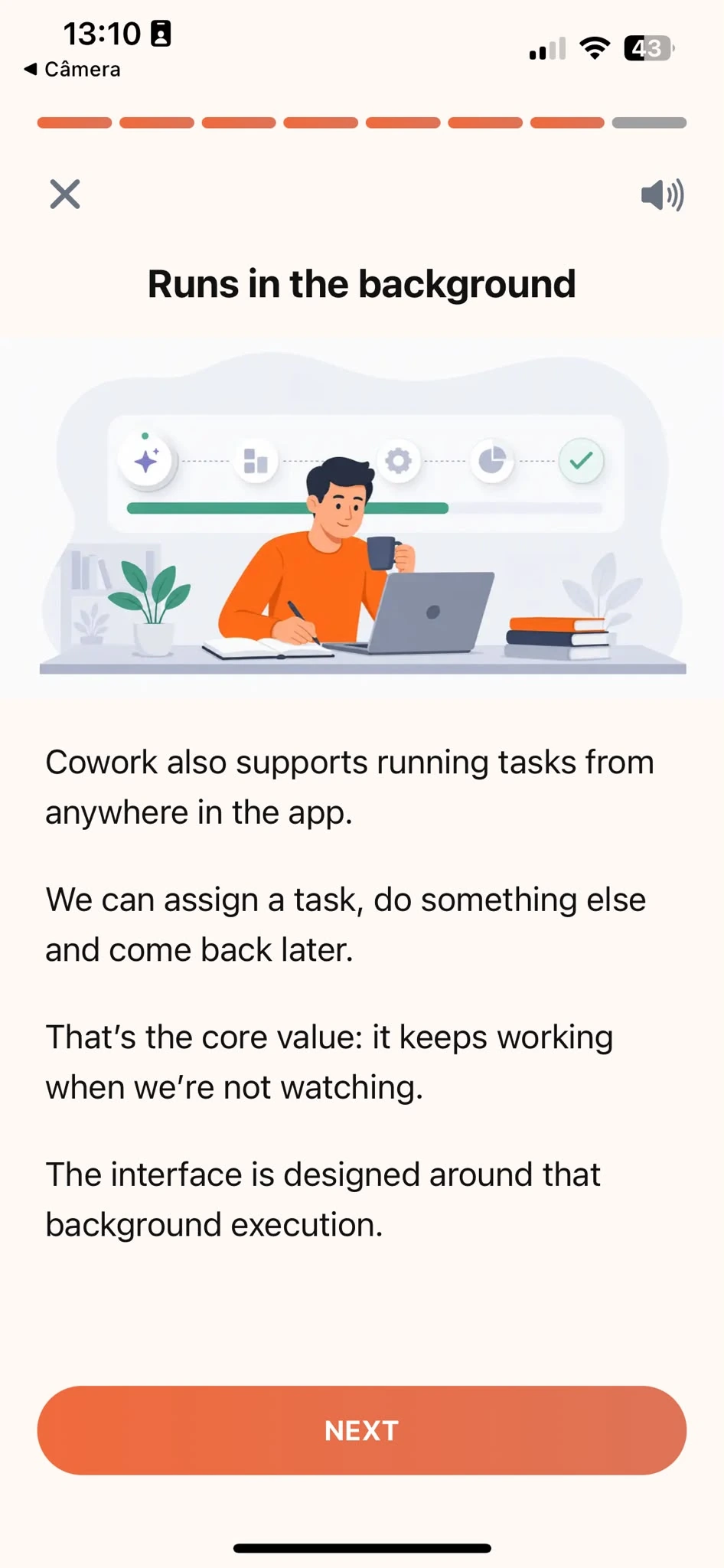
Learn
Short, focused lessons that build from fundamentals to real-world tasks.
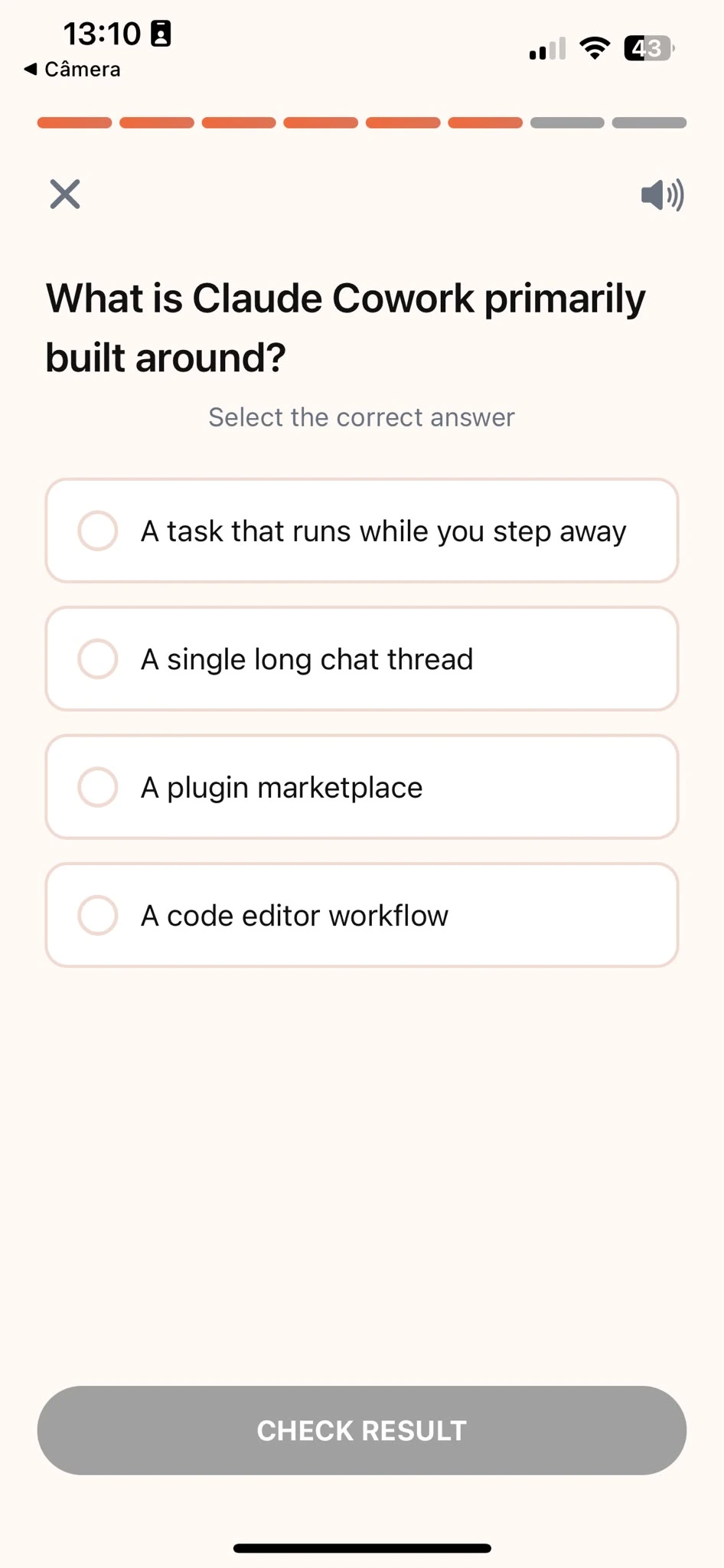
Quiz
Test your understanding right after each lesson, not at the end.
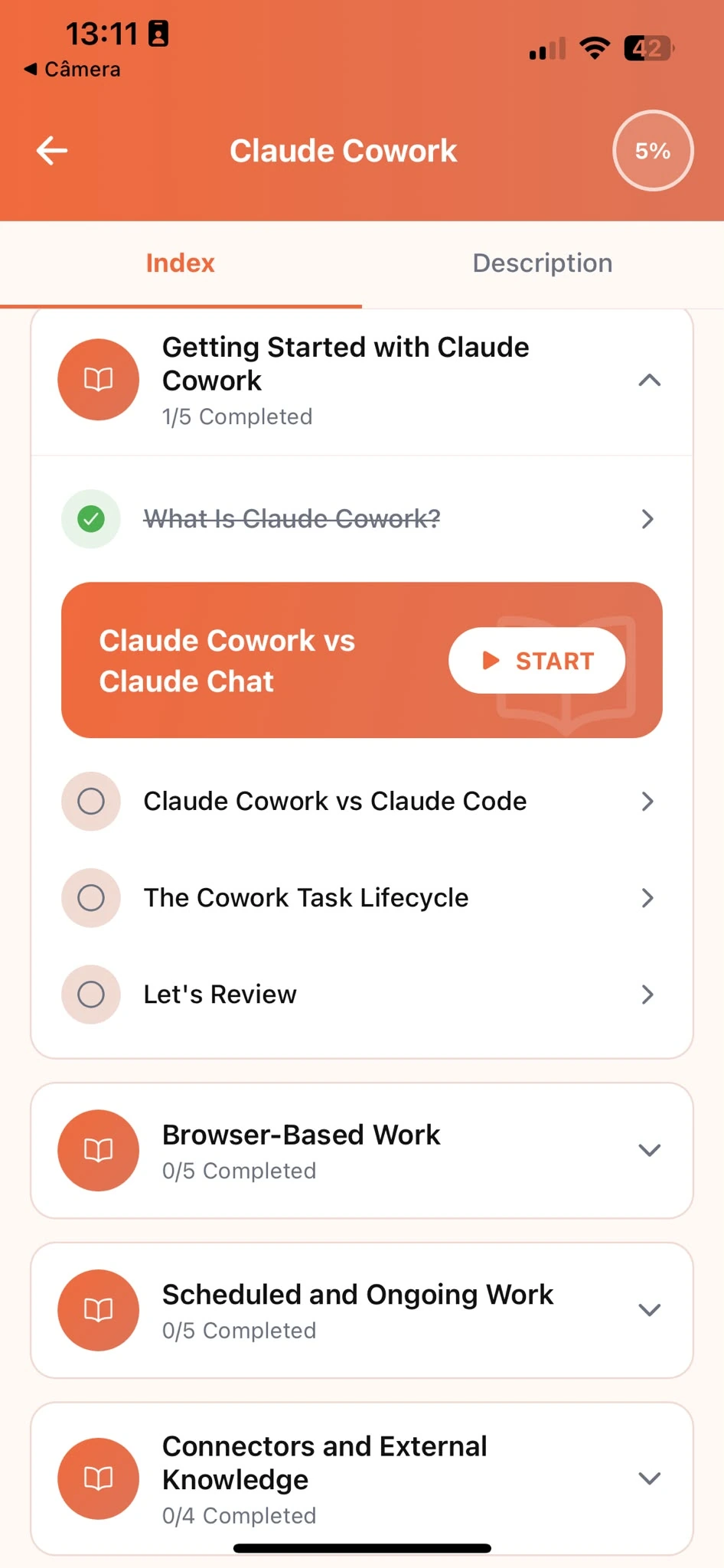
Track Progress
Pick up exactly where you left off, on any device, at any time.
Related articles
- Productivity6 min read
How to Decide What to Drop When Everything's Urgent
Use Claude to reason through the real consequences when tasks compete for your time, so you cut the right one, not the one that asked most recently.
Read article - Productivity5 min read
Draft an Email Reply That Sounds Like You
Calibrate an email reply's length and tone with Claude to what the message actually needs, instead of answering at the same default effort every time.
Read article - Productivity6 min read
How to Plan a Week You Can Actually Stick To
Build a weekly plan with Claude around your real meeting schedule, so you stop listing tasks as if the whole week were open focus time and falling behind.
Read article - Productivity5 min read
Turn a Messy To-Do List Into a Plan You'll Follow
A process for sorting a to-do list with Claude by real deadlines instead of tackling whichever task feels easiest first.
Read article - Productivity5 min read
Turn Meeting Notes into Actionable Follow-Ups with Claude
Pull action items, owners, and deadlines from raw meeting notes with Claude, so nothing important gets lost in a stream of scribbles nobody can act on.
Read article
Frequently Asked Questions
Do I need AI experience to start?
No. Claude Tutorial is designed for people who have never used Claude before. The course starts from the fundamentals and builds up to real productivity tasks. If you already use Claude occasionally, the structured approach will still fill gaps and build more reliable habits.
How long does the course take to complete?
Most learners work through the core curriculum in two to four hours. The app is designed for short, focused sessions. A single lesson takes around ten minutes, so you can fit it into a working day without blocking off a half-day.
Is this course for a specific job, or for anyone?
Anyone. Claude Tutorial teaches Claude fundamentals through examples that show up in almost any job: prioritizing a to-do list, turning meeting notes into action items, drafting replies, and planning a week. You are learning Claude, not a role-specific tool, and every example is grounded in everyday work.
Can I use Claude's free plan while taking the course?
Yes. Everything taught in the course works with Claude's free plan. A paid plan gives you more usage, but it is not required to complete the lessons or apply what you learn.
What if Claude's plan doesn't match how I actually like to work?
Give it more to work with. Tell it if you focus best in the morning or the evening, how much buffer time you like between tasks, or paste in a week that worked well for you before, then ask Claude to plan around that. The course shows you how to set this up once and reuse it every time you ask for a plan.
Start learning Claude
Download Claude Tutorial and start applying these techniques to your own to-do list and week.